Testimonial widget for HTML
Add a testimonial widget to a site you coded yourself with one snippet of HTML.
Free to build. You need a free ReTestimonial account to get the code.
Build your widgetLoading the builder…
Builder not showing? Open it on ReTestimonial
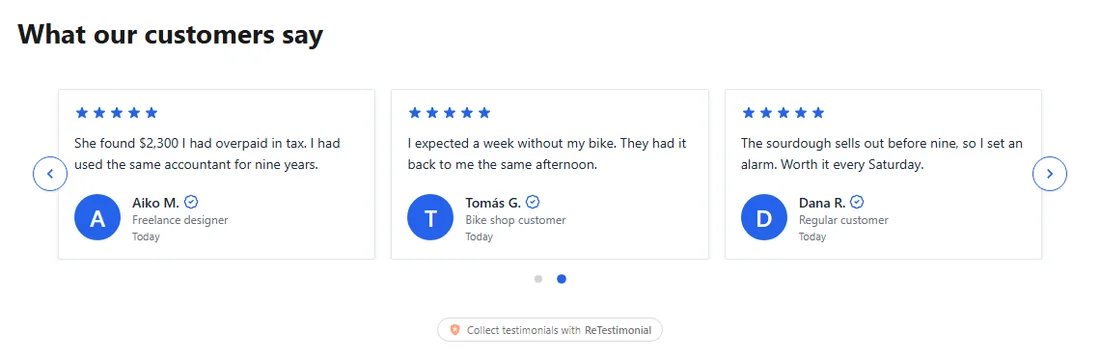
This is the carousel layout. See all six layouts
Add it to HTML
Steps last checked on 3 October 2026.
- 1Build your widget above, create the free account and copy the snippet.
- 2Open the page's HTML file or template.
- 3Paste the snippet inside the body element, at the place where the widget should appear.
- 4Upload or deploy the page.
What to expect
- The widget takes the width of the element you paste it into, and uses your page's font unless you set one in the widget's design.
- If your site sends a Content-Security-Policy header, allow the snippet's script address in script-src, or the browser will block it.
How these steps were checked
Tried on a plain HTML page with nothing on it but a heading and the snippet: the widget showed.
Website builders rename things. If a label here no longer matches what you see, tell us.